.png)
Keep the vibe. Mault keeps the codebase from collapsing when you scale.
You move fast. You ship things before you're “supposed” to. That’s your superpower — until the project grows and the codebase starts fighting back. Fixing one thing breaks another. Structure slips. Bugs multiply. The vibe dies.
Mault protects your creativity by quietly keeping your structure clean, organized, and consistent so nothing slows you down when your MVP becomes a real product.
See How Mault Works The Way You Code:
68% of developers say AI tools don’t remember prior architectural decisions or naming standards. (DORA 2025)
41% spend significant time correcting AI output that ignored project conventions. (DORA 2025)
Teams using AI without structured governance saw a 19% increase in technical debt year-over-year. (Google Cloud Research 2025)
“Reopened” bug tickets rose 18% among teams with inconsistent AI context. (Google Engineering Productivity 2025)
81% of developers want AI tools that “remember what I’ve already done.” (GitHub Next Survey 2025)
Mault is the last-mile enforcement layer AI coding has been missing.
While AI tools drive velocity, they fundamentally lack architectural discipline. This leads to two costly, persistent issues:
Code Sprawl and Decay: Unchecked AI code violates enterprise standards and sprawls across wrong directories. The result is immediate technical debt and an unstable codebase.
The Pattern Problem: The core challenge isn't traditional memory; it's pattern recognition. AI defaults to patterns it sees: messy code generates more messy code to match.
Mault is your architectural partner. We stop structural decay before it starts by enforcing standards the moment code is written, giving your AI tools the discipline they need to build, not break, your project.
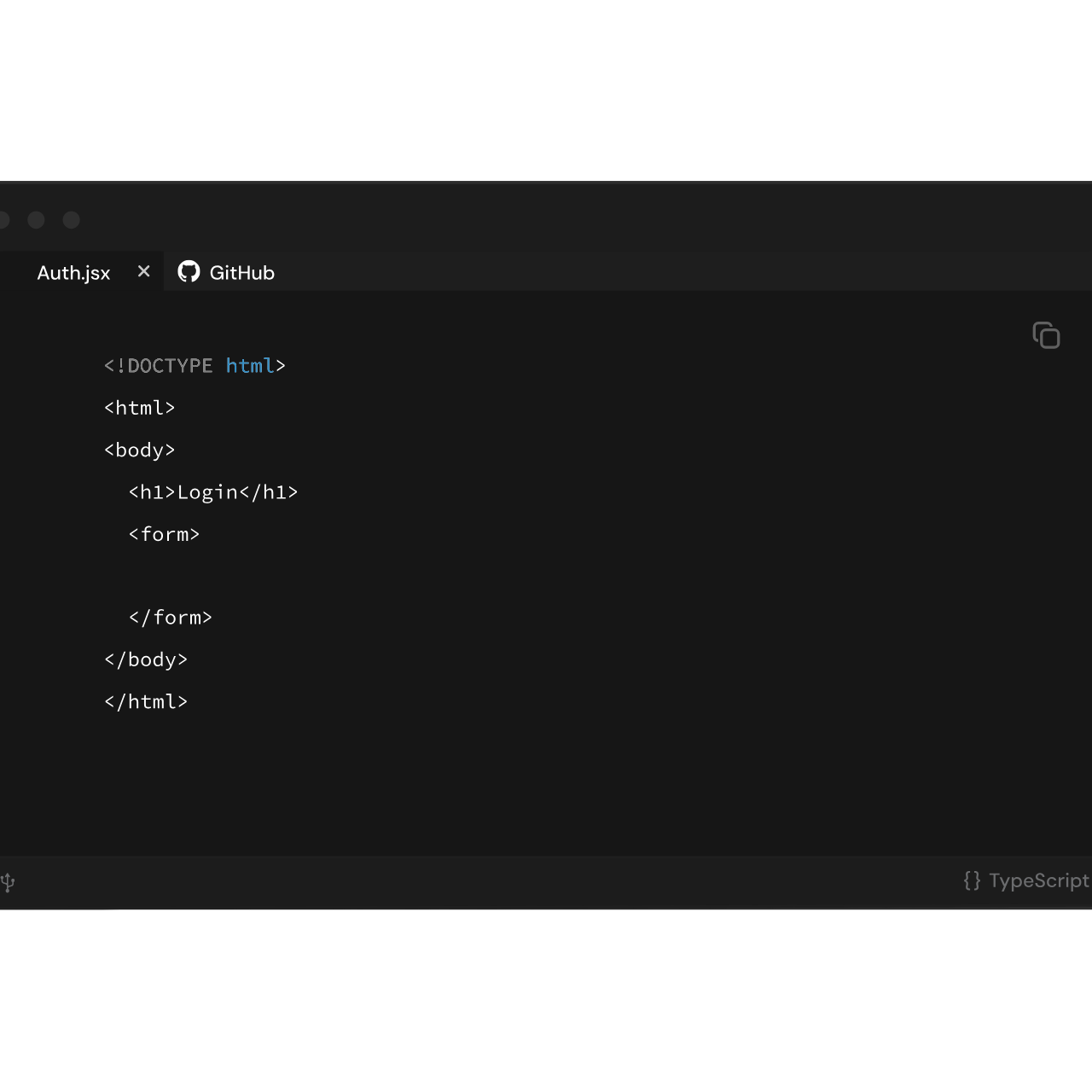
The Architecture Gap Only Mault Closes

AI Agents
No Structural Guardrails

Linters
Ignores High-Level Architecture

AI Editors
Fails to Enforce Structure or Patterns

Memory Tools
Lacks Architecture or Placement
_edited.png)
Mault
Enforces Architecture in Real Time

Monitor Tools
Too Late - Post Mortem Only
Directory Reinforcement
Enforces correct file placement according to project standards preventing a disorganized codebase.
Legacy Path Prevention
Blocks outdated patterns, libraries, and file paths in real-time as you code, preventing technical debt before it's written.
Common Problems Mault Solves

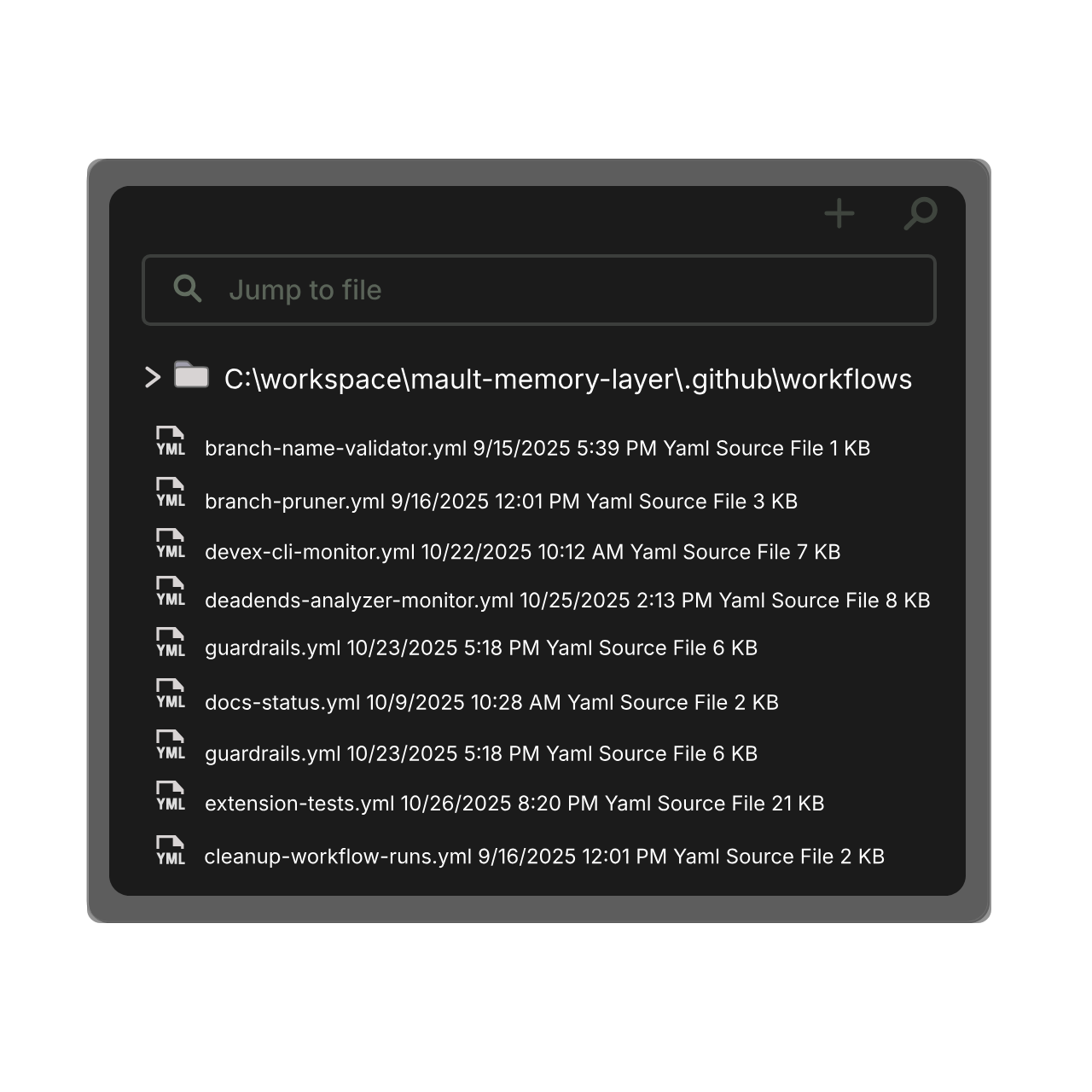
Convention Reinforcement
Provides architectural warnings about how a change in one file could affect other workflows.
Environment Reinforcement
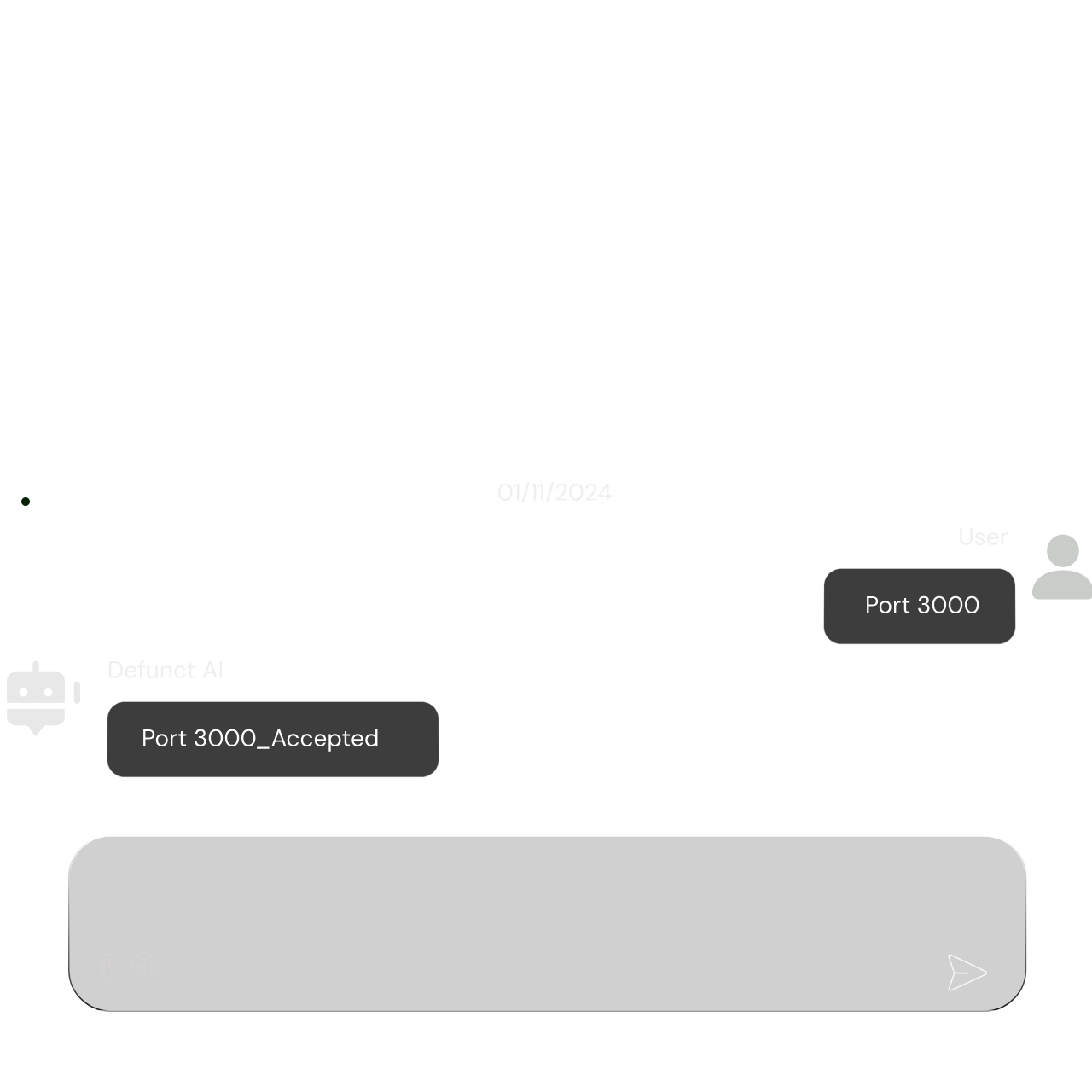
AI assistants are blind to your environment; Mault isn’t. It catches and fixes build errors, port conflicts, and shell mismatches.

Application Flow Awareness
Mault maps how changes ripple through your application, preventing unintended side effects in critical workflows.
Persistent Memory
Mault creates a persistent memory that remembers your fixes, rules, and decisions so your AI never starts from zero.
AI Amplifies Every Bad Pattern in Your Repo
AI doesn’t just copy your inconsistencies — it multiplies them, turning small cracks in your architecture into structural failures.
Fixes Don’t Become Standards
You solve an issue once, but AI keeps reintroducing the old pattern because nothing in your project tells it the new rule is now the rule.
Mault Fixes What AI Coding Breaks Over Time
Tools Operate in Silos
Each AI assistant has a different view of your codebase, so they generate conflicting conventions, structures, and approaches.
Architectural Drift Builds Technical Debt
Small deviations compound: misplaced files, legacy imports, inconsistent naming. AI accelerates this drift unless it’s constrained.
AI Amplifies Every Bad Pattern in Your Repo
AI doesn’t just copy your inconsistencies, it multiplies them, turning small cracks in your architecture into structural failures.
What Mault Delivers

Enforced
Architectural Rules

Structured
Codebases

Fewer
Structural Bugs

Faster
Shipping

Unified
AI Understanding

Reliable
AI Output
Mault runs directly inside VS Code, maintaining a live model of your project’s structure. It enforces directory rules, naming conventions, environment constraints, and architectural decisions as you code — and exposes that structured knowledge to any AI assistant you use.
The knowledge is persistent and tool-neutral. It survives sessions, refactors, and branches, providing a vendor-agnostic enforcement layer that keeps your architecture consistent in real time.
_edited.png)
_edited.png)
_edited.png)
%20(3)_edited.png)
AI-Agnostic by Design
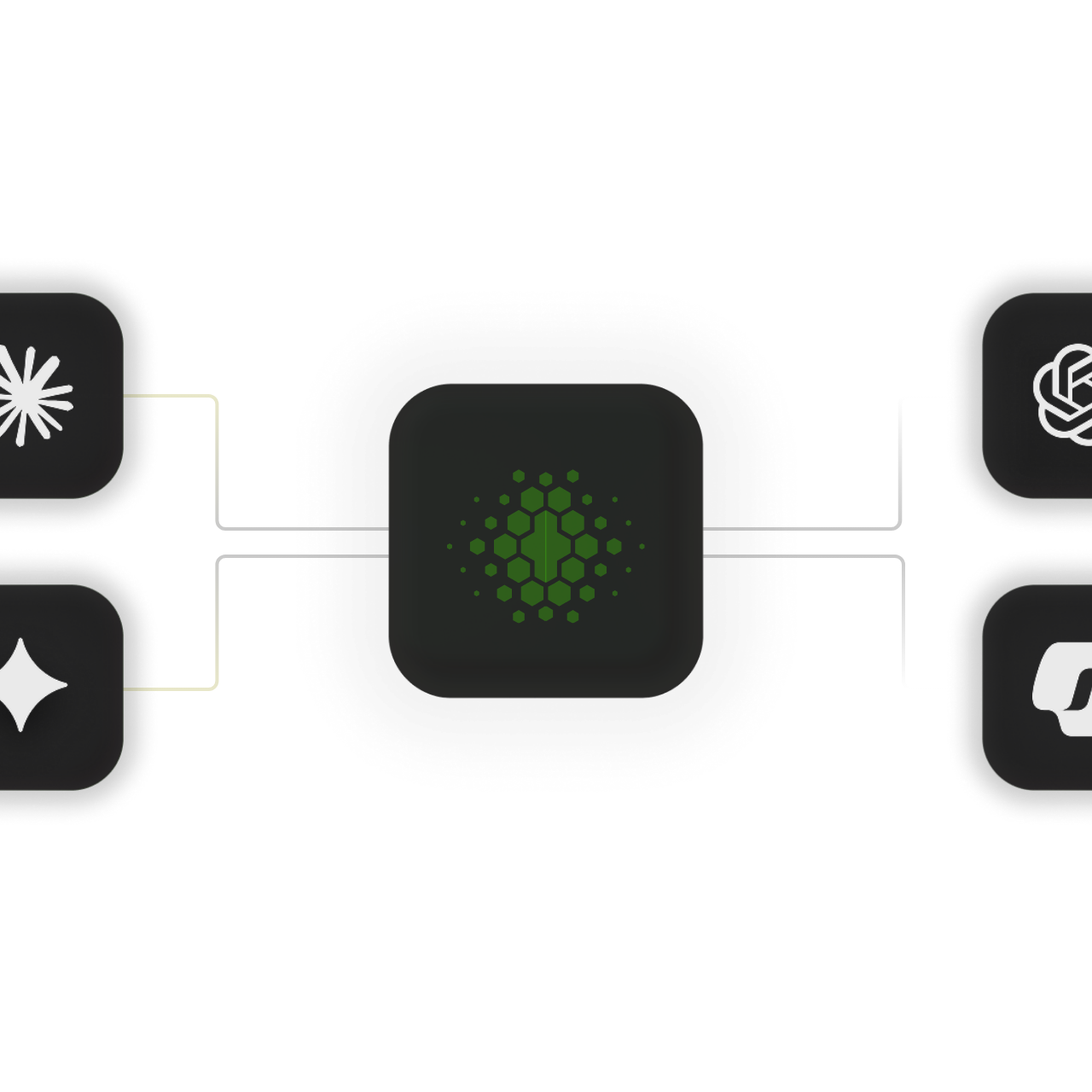
Mault doesn’t care which AI you use. It provides a shared layer of architectural intelligence that ChatGPT, Claude, Gemini, Copilot, and others can all rely on — eliminating silos and aligning every assistant to the same standards.
%20(3).png)
Your Code.
Mault stores your architectural knowledge locally, inside your workspace. No cloud lock-in. No dashboards. Just private, secure, real-time enforcement where you actually code.
Other tools help you write code. Mault helps your AI follow how your architecture works.
Integration Point: Fully embedded in VS Code — enforcing structure, naming, and environment rules where developers actually work.
Rule Layer: Structured, persistent, and AI-agnostic — a shared architectural source of truth for ChatGPT, Claude, Gemini, Copilot, and more.
Use Case Focus: Prevents architectural drift, reinforces conventions, blocks legacy patterns, and keeps your repo organized as it grows.
Execution Model: Local-first, real-time enforcement inside the editor — not postmortem analysis or after-the-fact linting.
User Experience: Invisible automation. No dashboards, no new UI, no workflow overhead — Mault just keeps your architecture on rails.
Primary Differentiator: Creates a unified architectural layer that every AI assistant can follow, eliminating conflicting patterns and inconsistent outputs.

